ana. · the assistant by Diretório Web · app · WhatsApp · voice
The assistant that gets it done for you.
it's all taken care of. go to sleep.— Ana
She notes, bills, pays, replies, calculates the spreadsheet and redoes it every month, draws the artwork, builds the ad and remembers — in the app, on WhatsApp and by voice. Your own house at your-company.ana.show: cash, calendar, tasks, e-mail, companies (with team, quotes, stock and bookings), family (school, vaccines, medication), home and car, your body, the Coach — and an assistant that does, not just answers. In English or Portuguese, your choice; how far she goes on her own, you set.
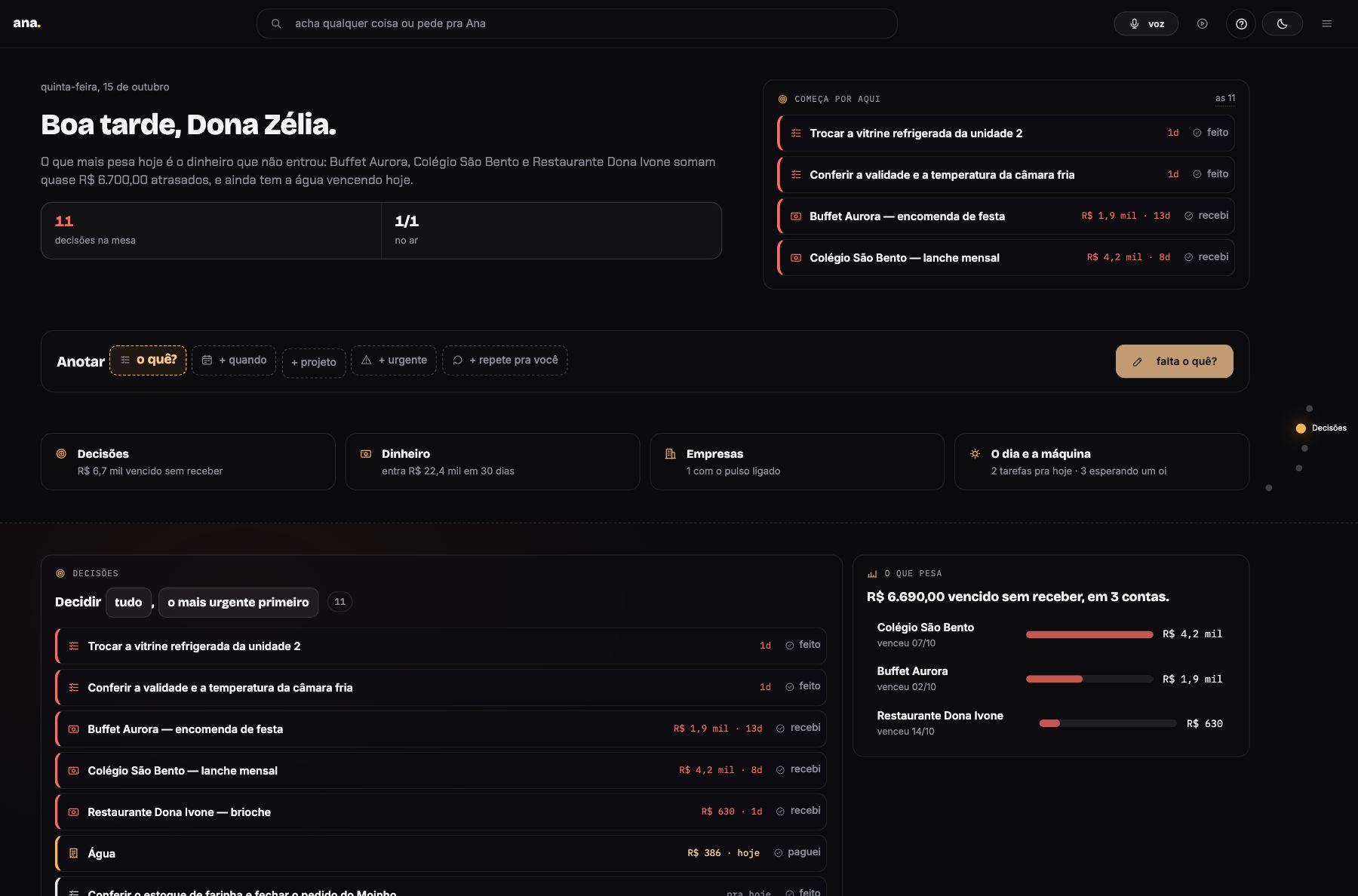
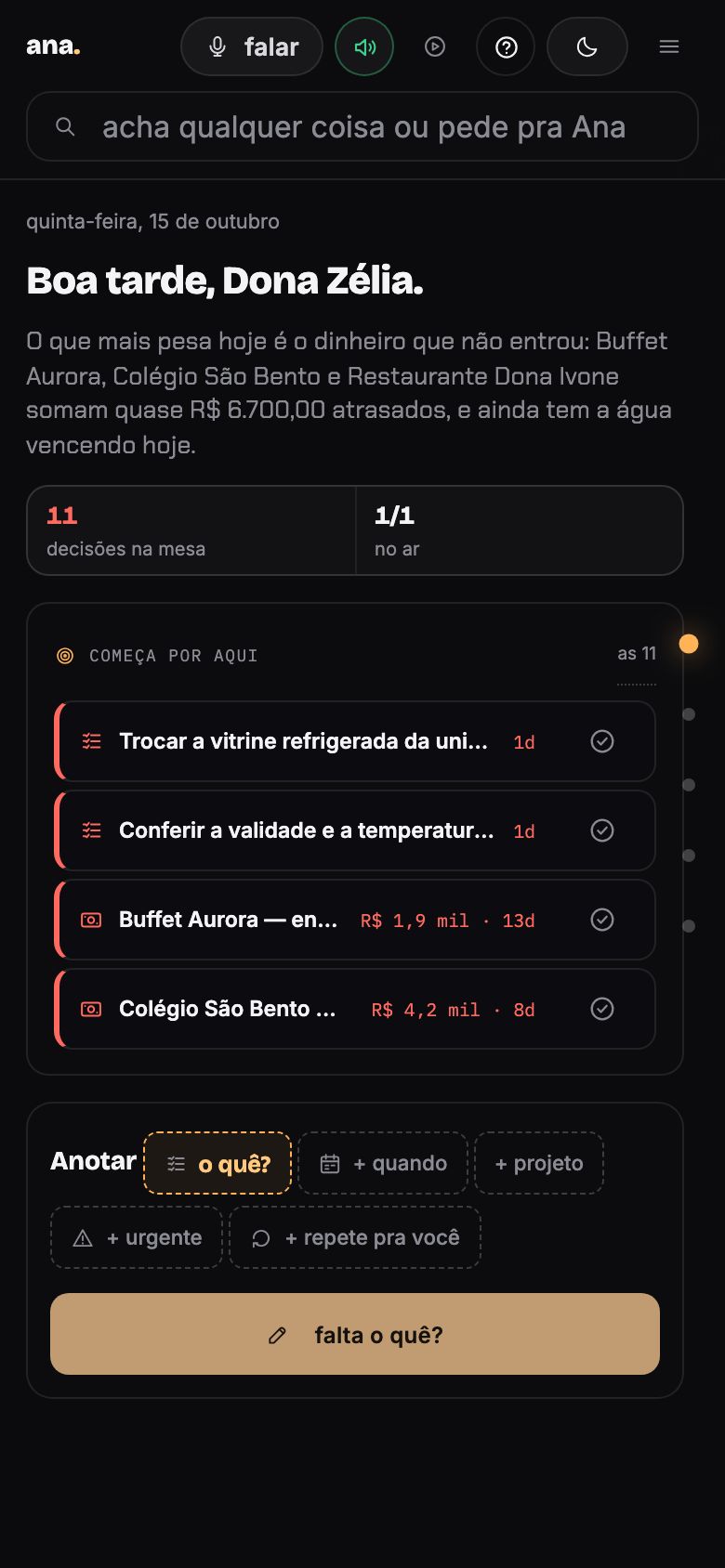
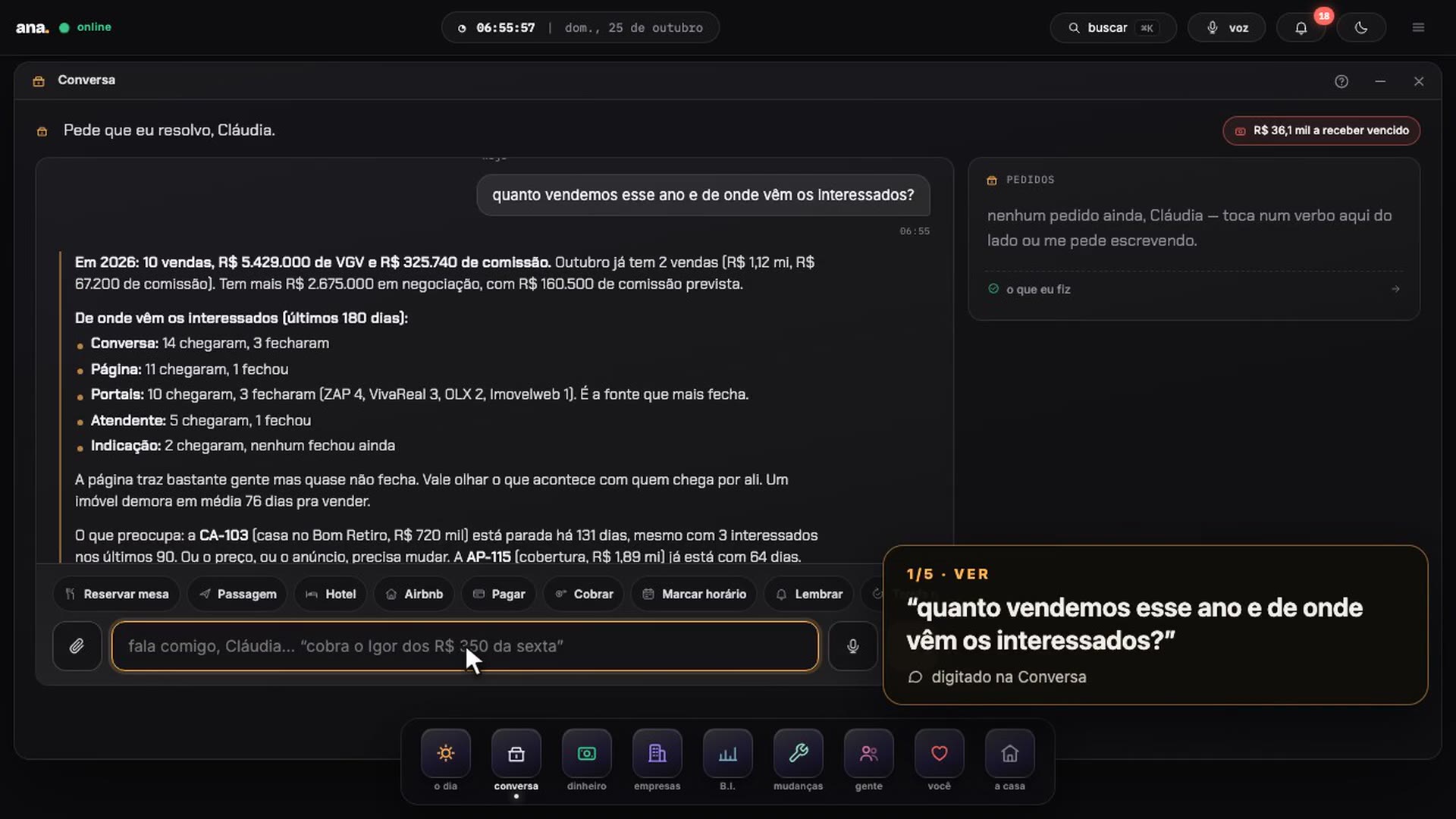
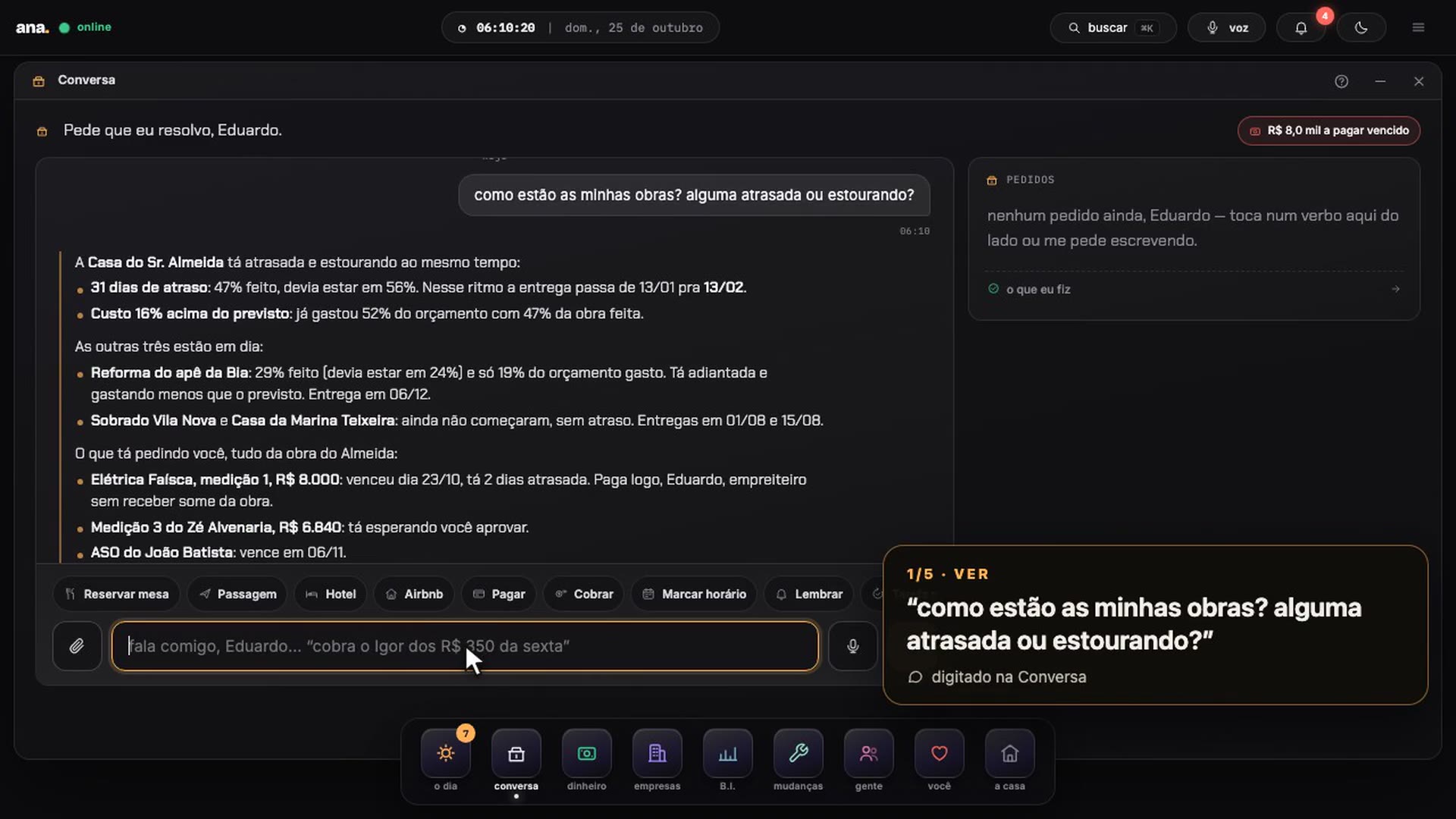
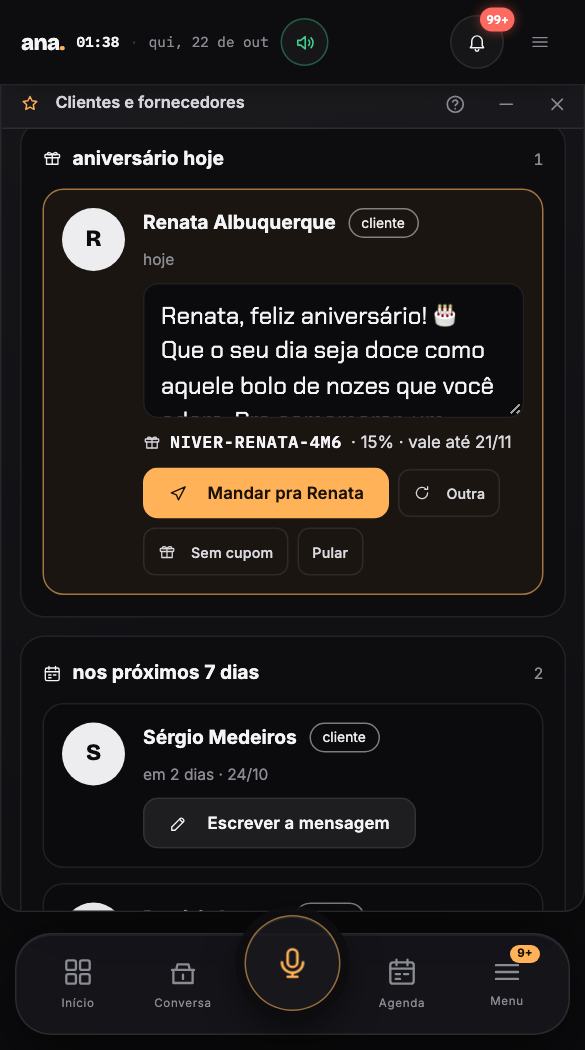
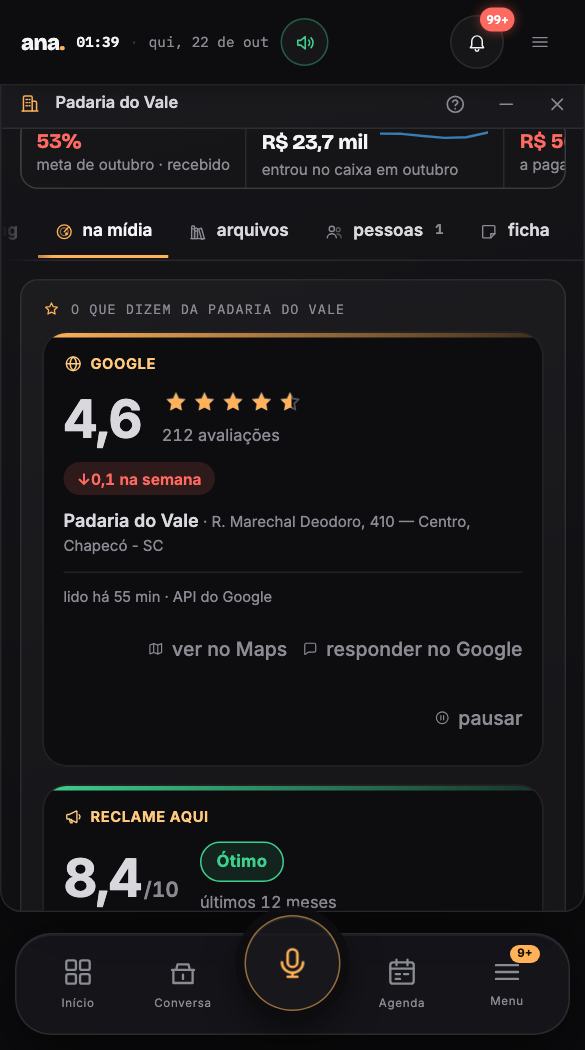
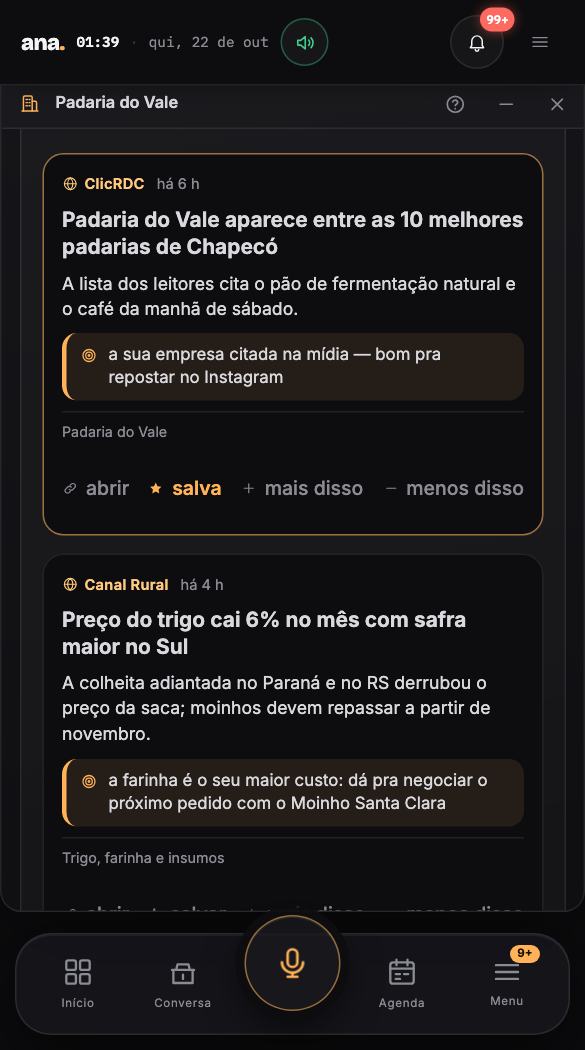
app · WhatsApp · voiceyour own house, your own databasefrom R$ 49/month on WhatsAppPIX or card, monthly or yearlyscreens from the demo house (Portuguese)
103rooms
21integrations
2languages
5autonomy dials
1WhatsApp number for everything
see Ana in your industry
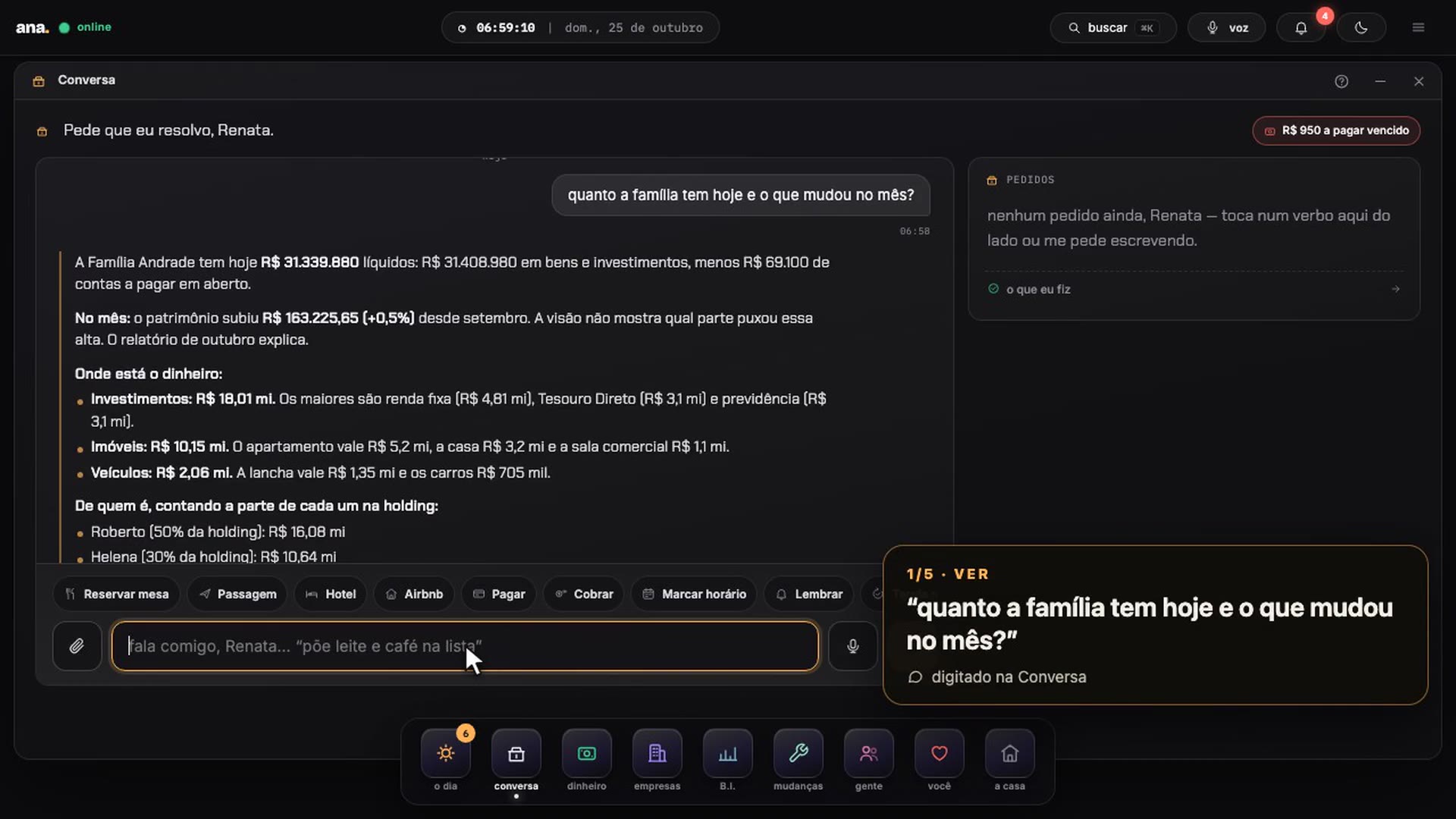
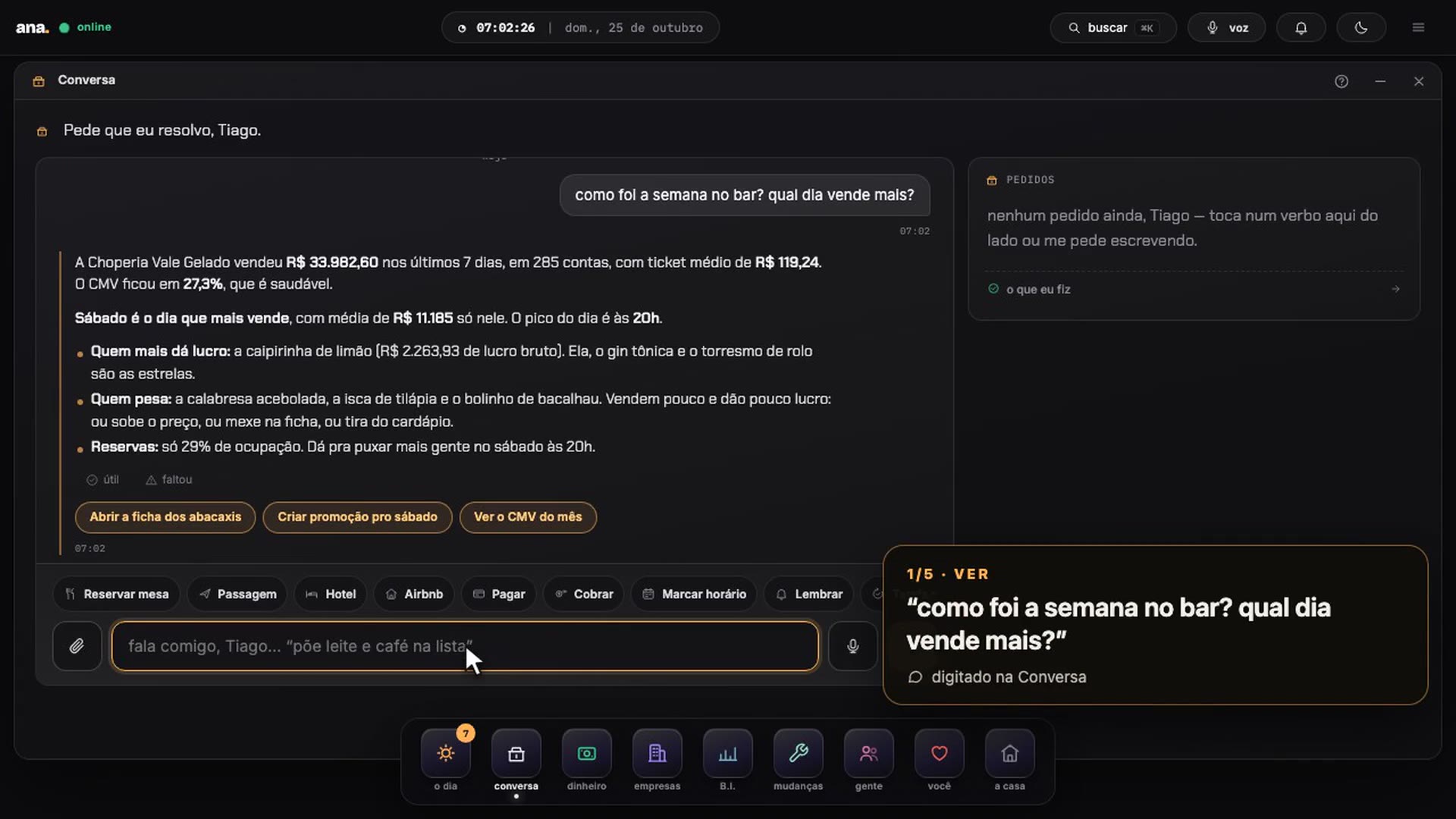
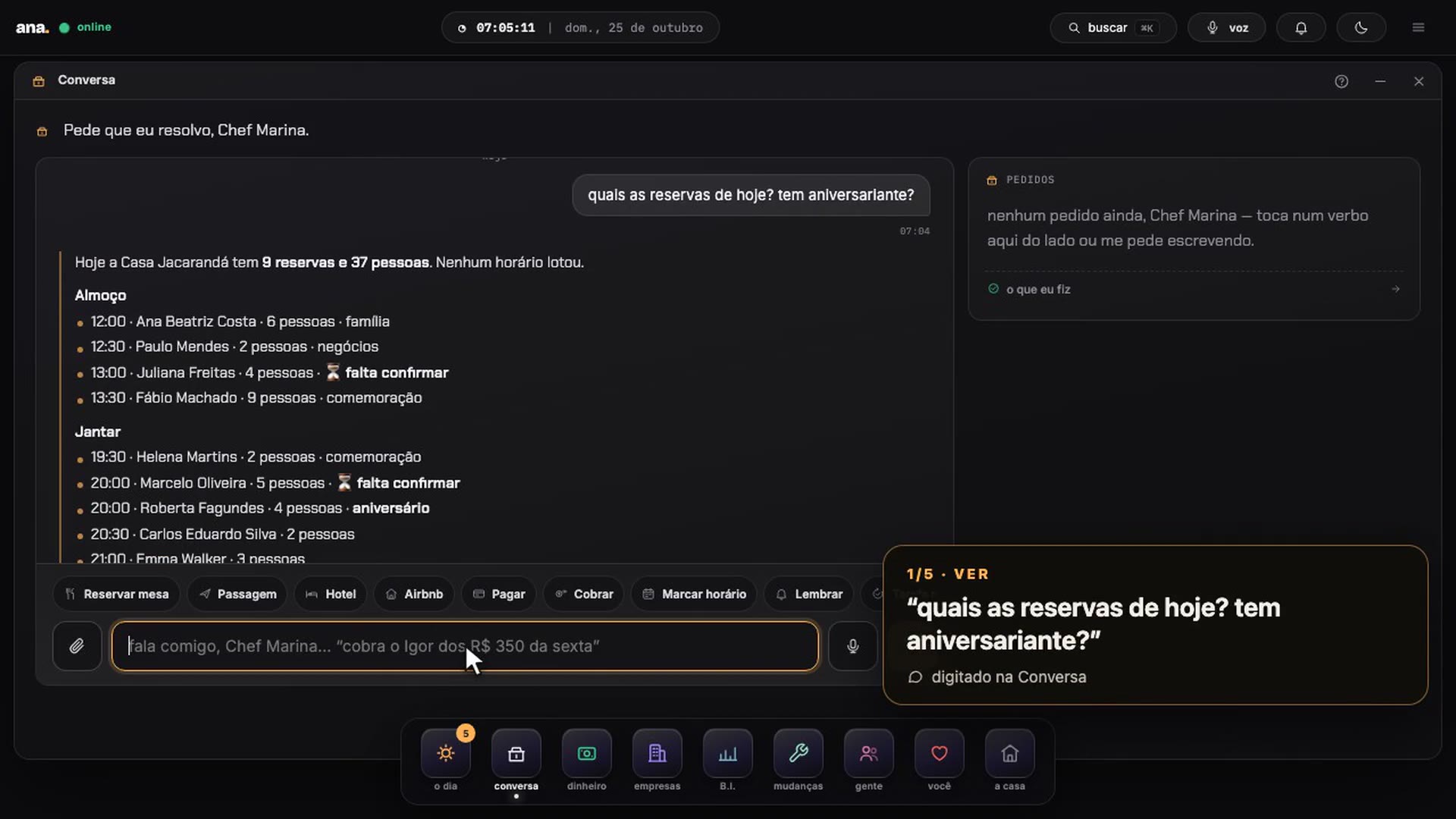
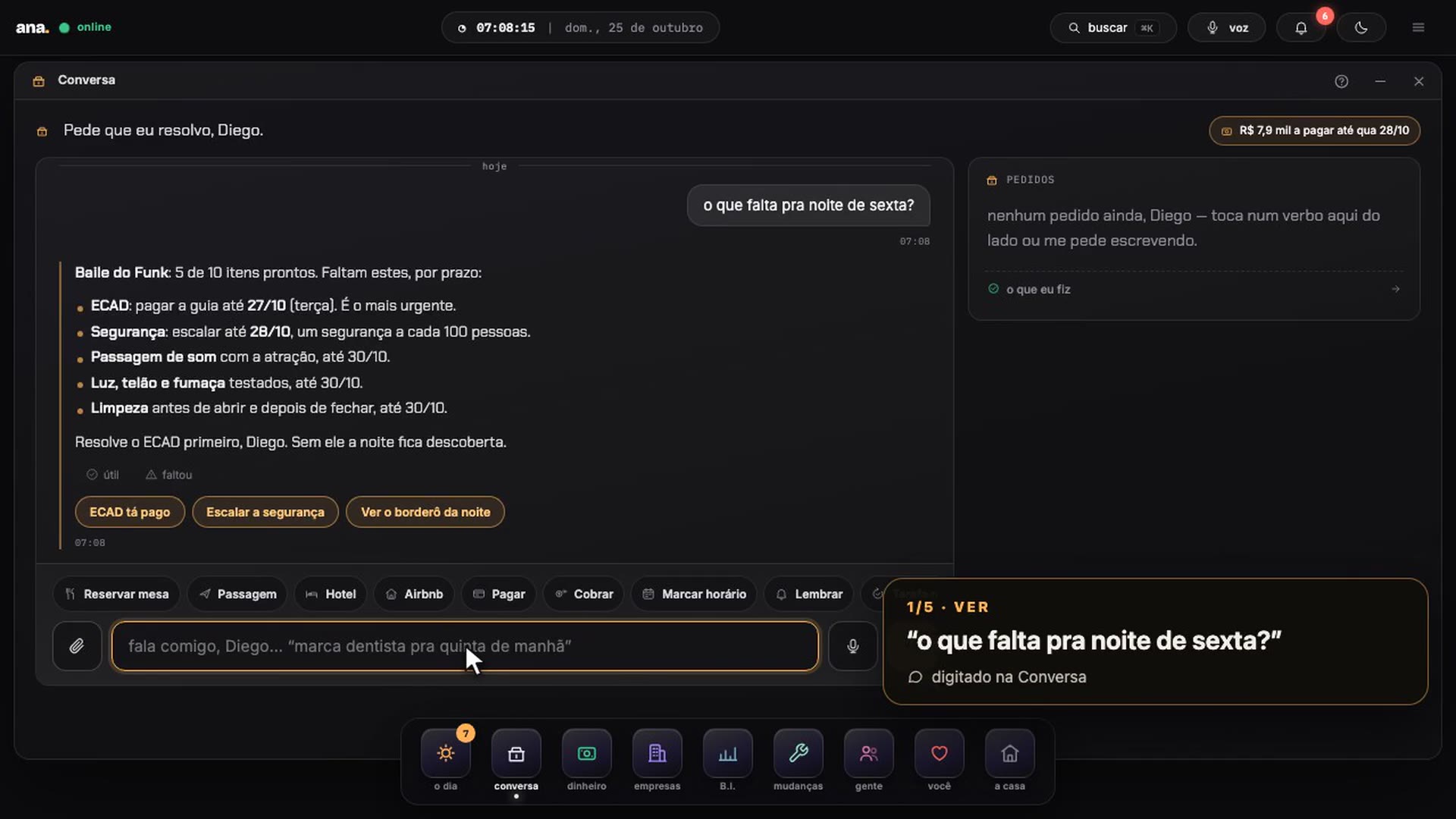
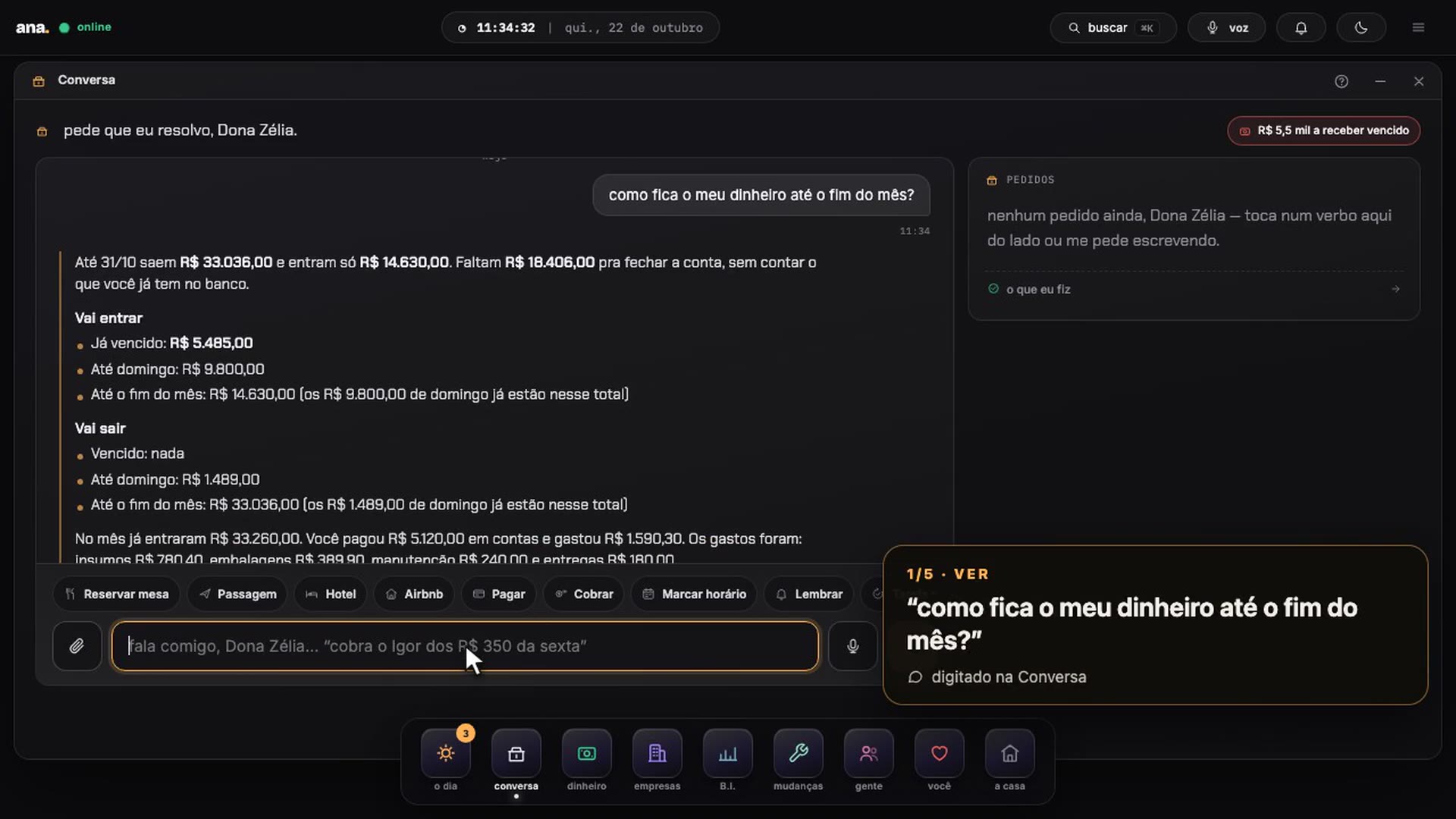
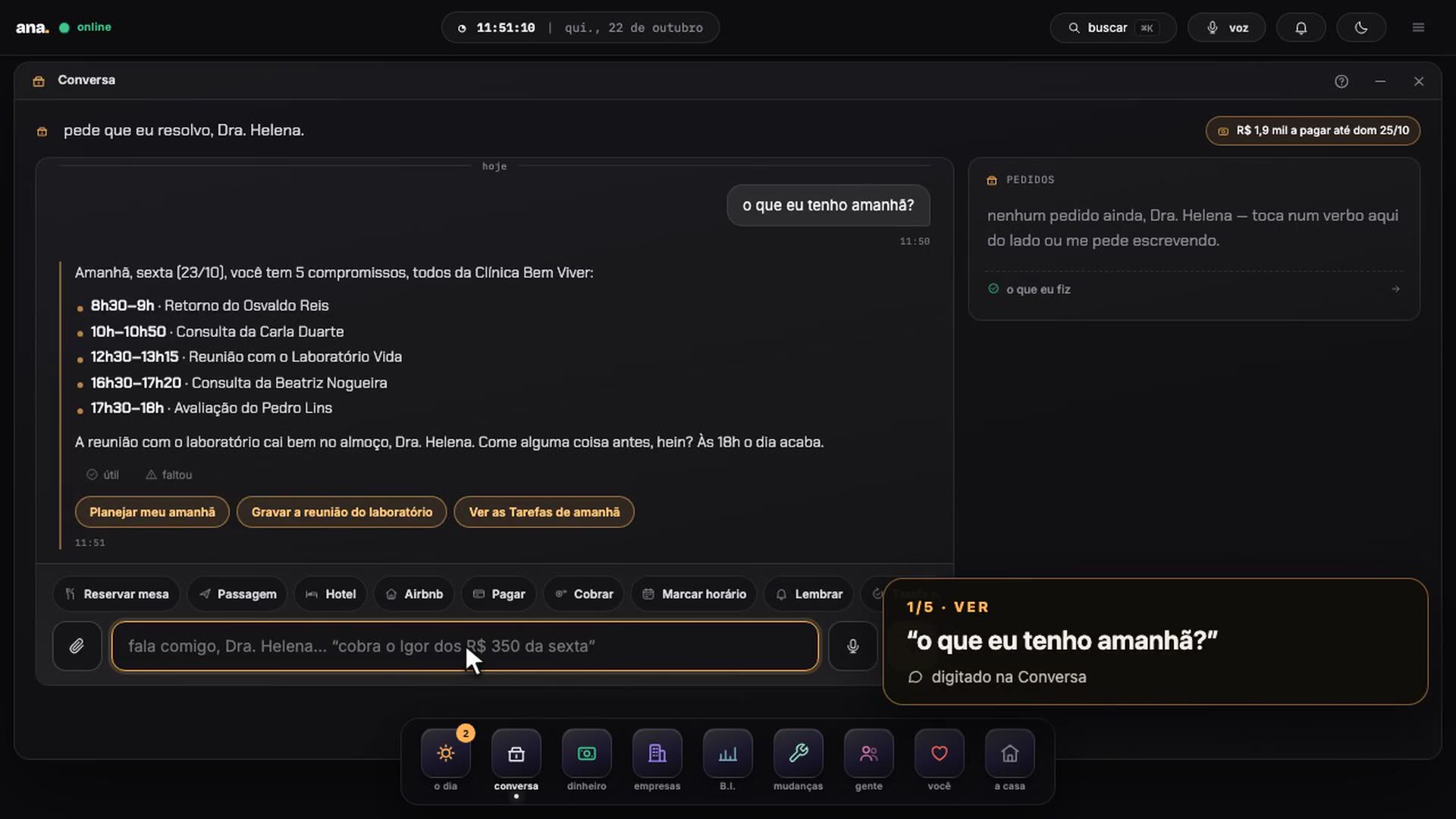
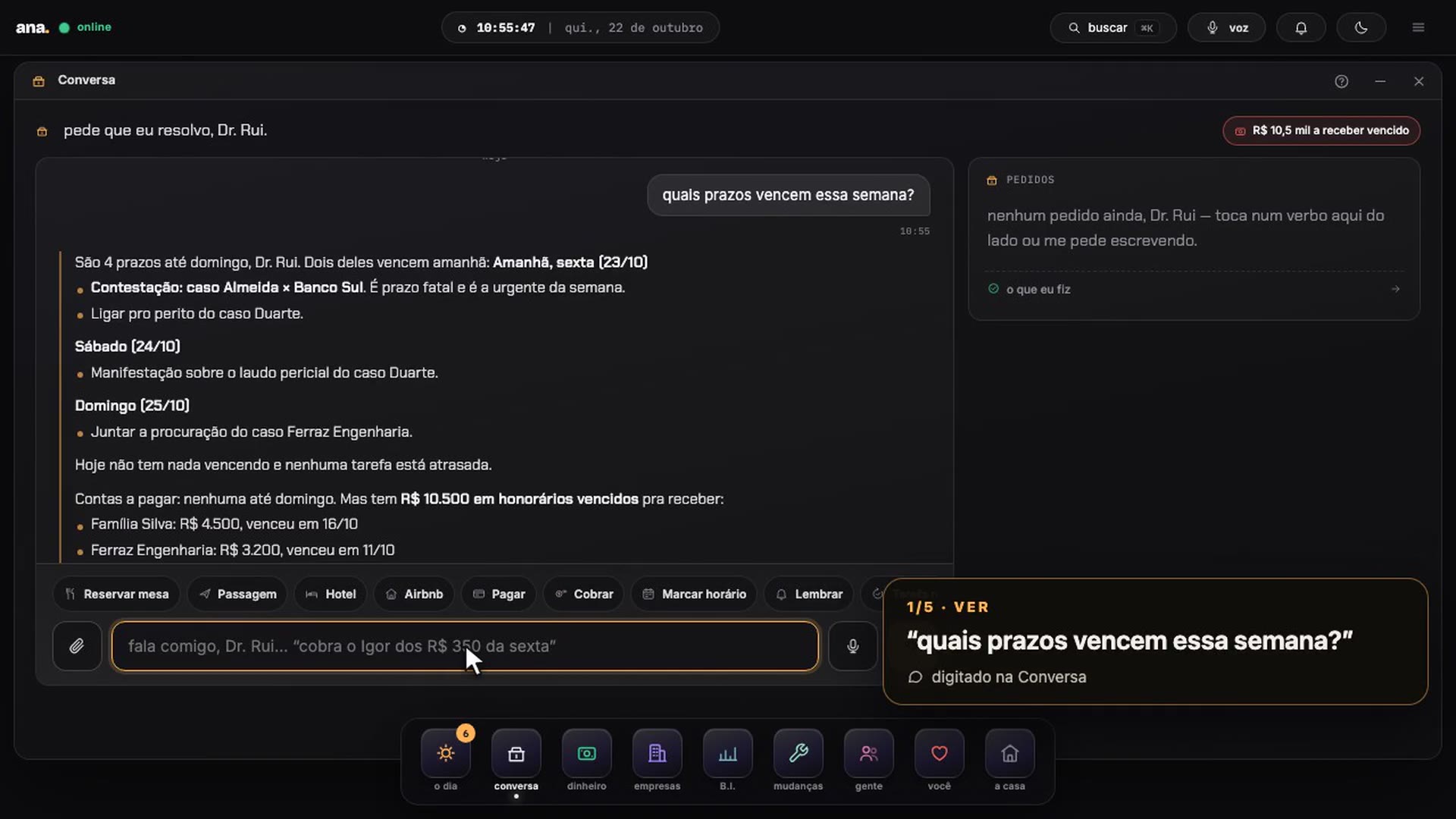
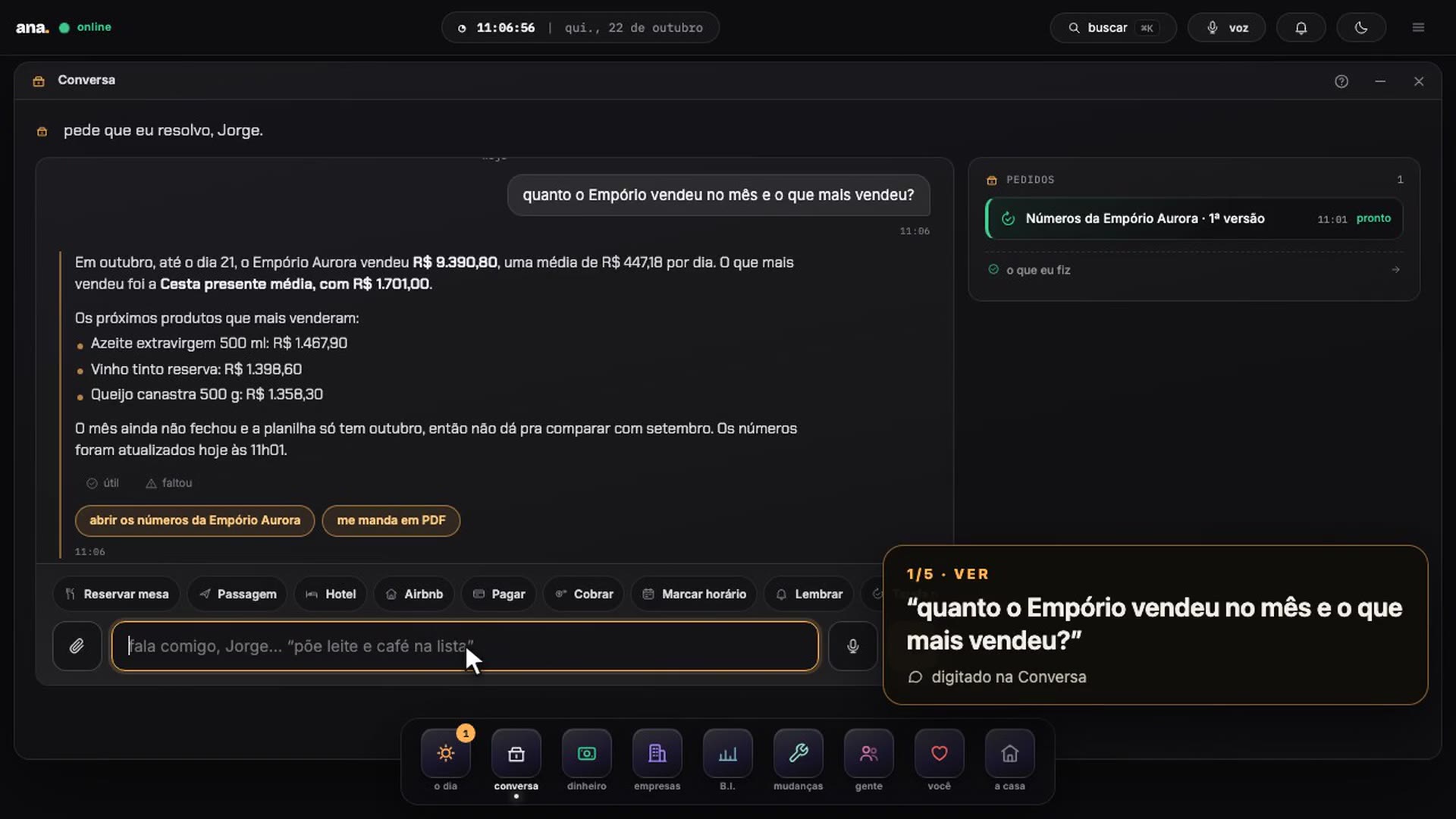
Eleven industries, five requests each. Real answers.
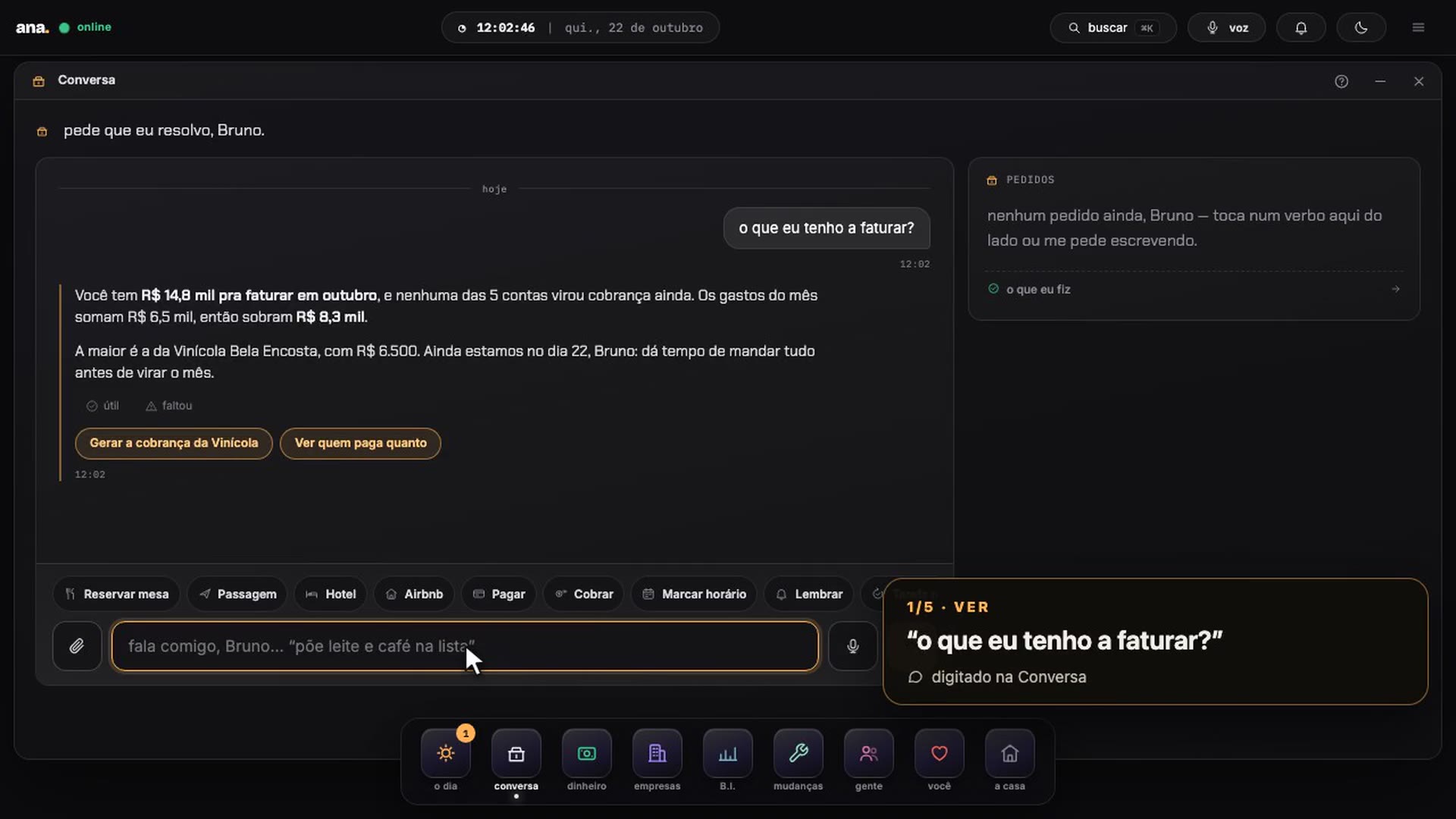
From a real estate agency to a nightclub, from a bakery to an agency: each house asked for five things in the Conversation — see, do, collect, learn, surprise — and Ana did them. A one-minute video and a screenshot of every answer.
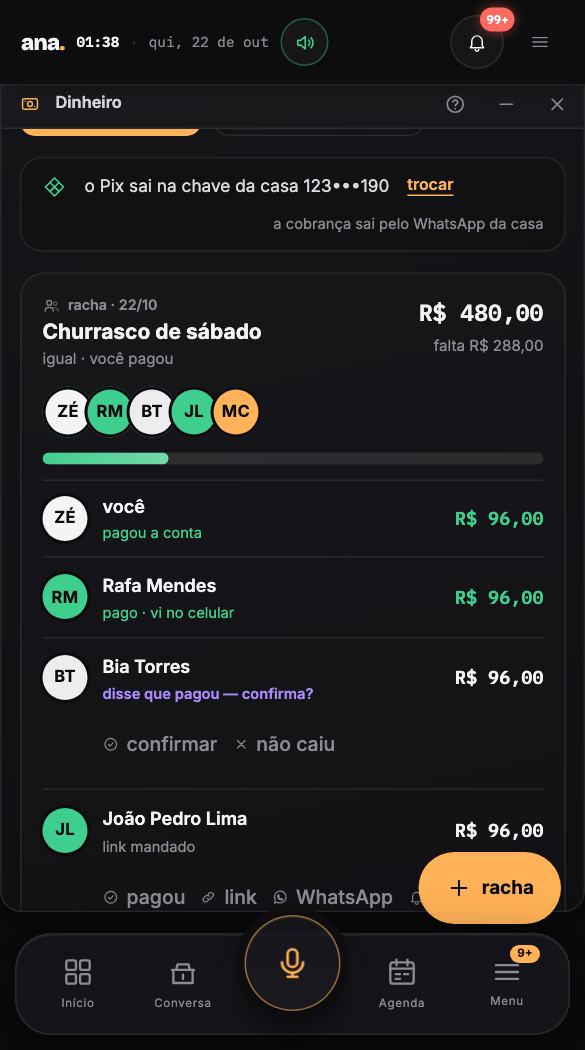
One sentence, and the barbecue bill is already split.
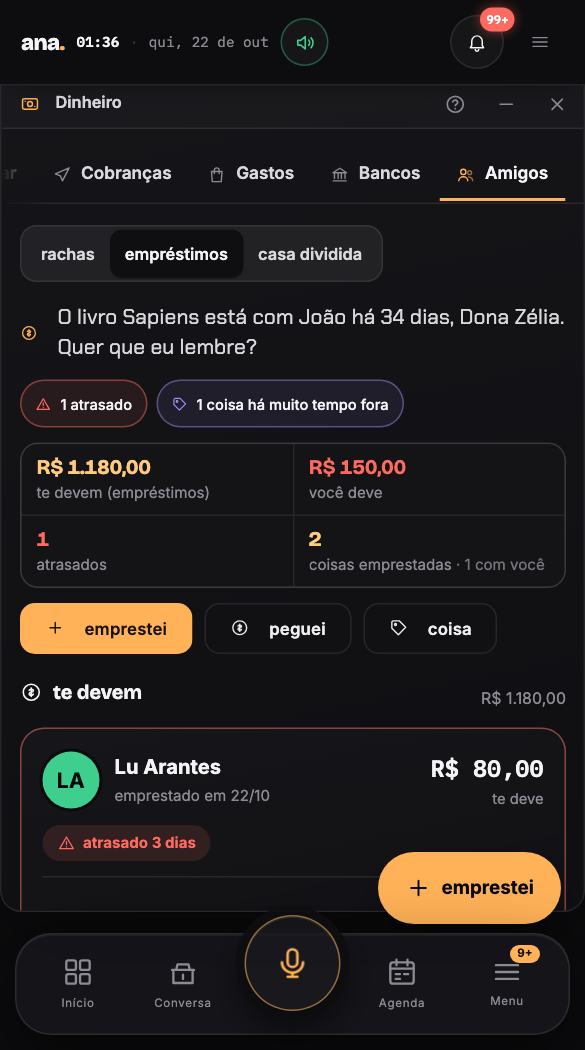
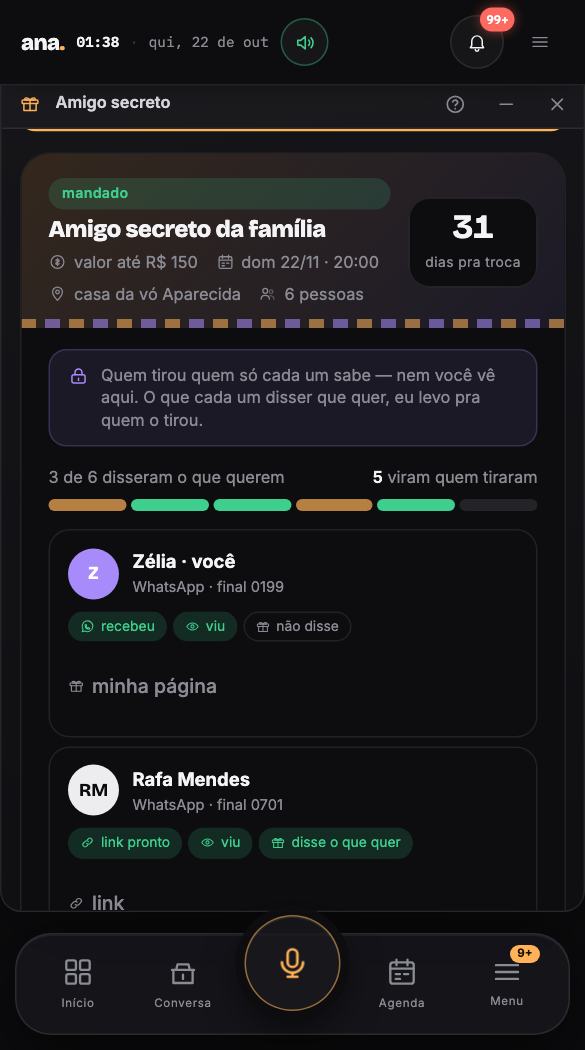
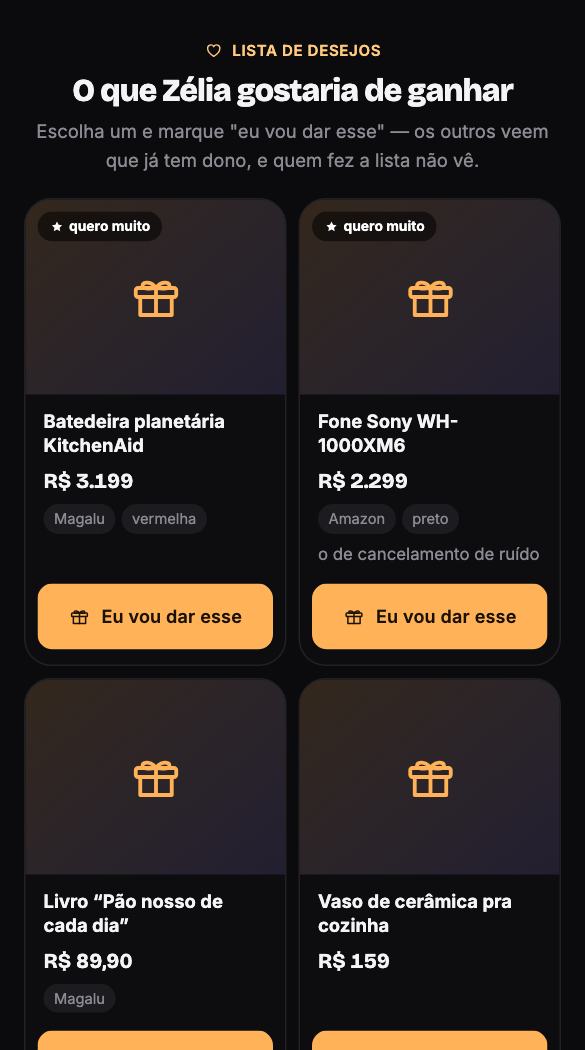
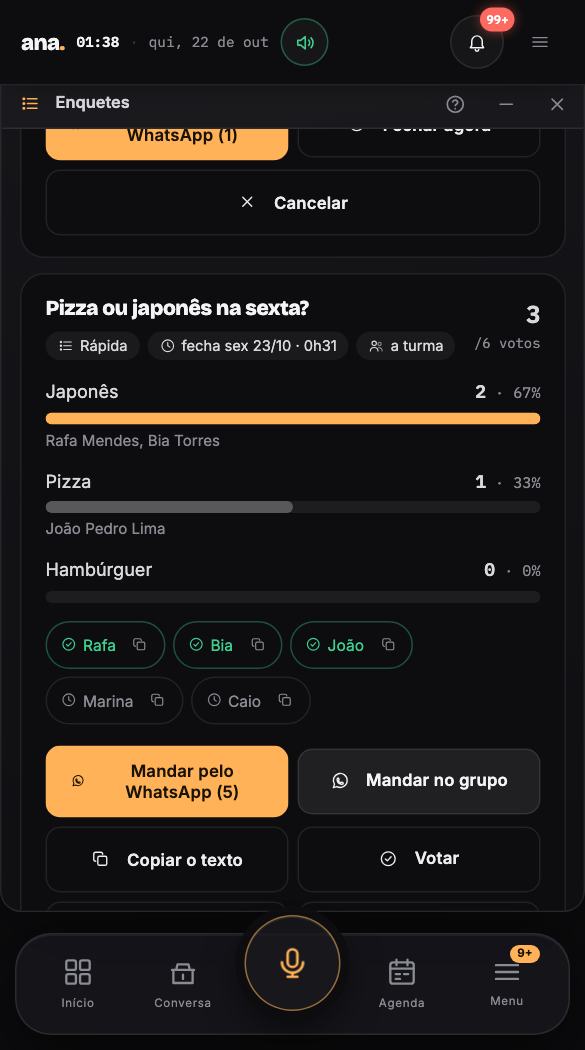
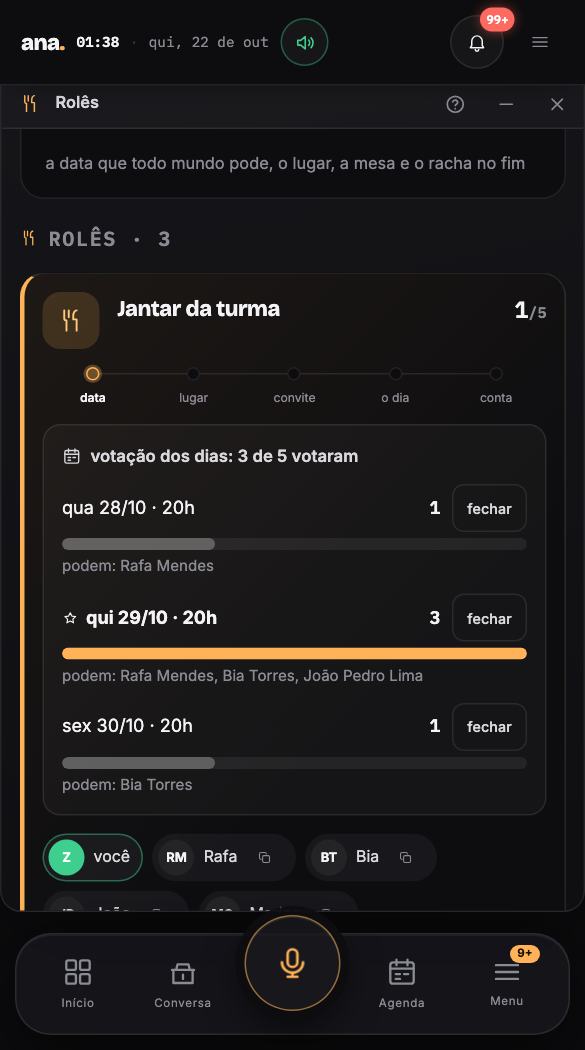
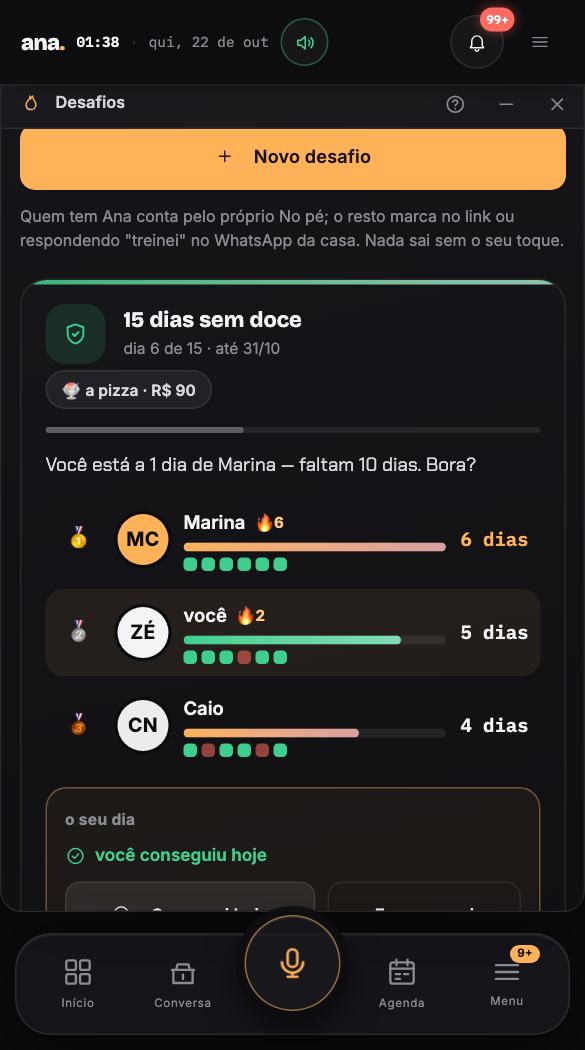
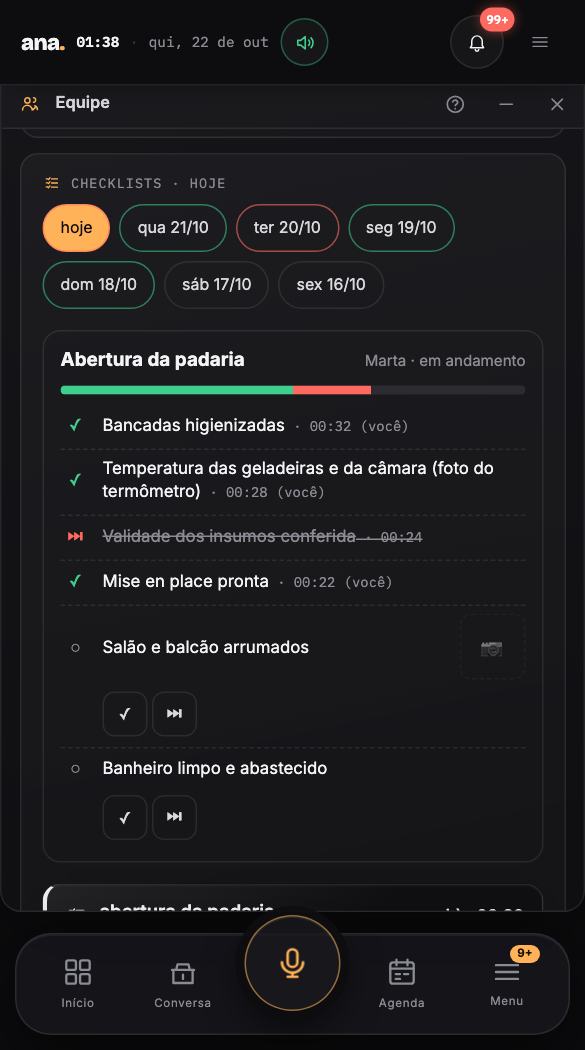
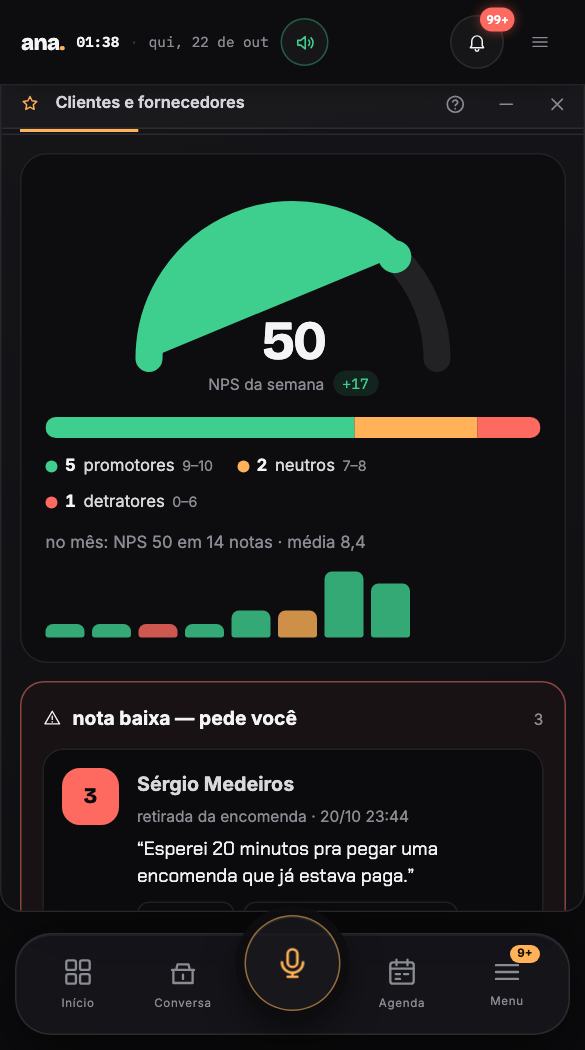
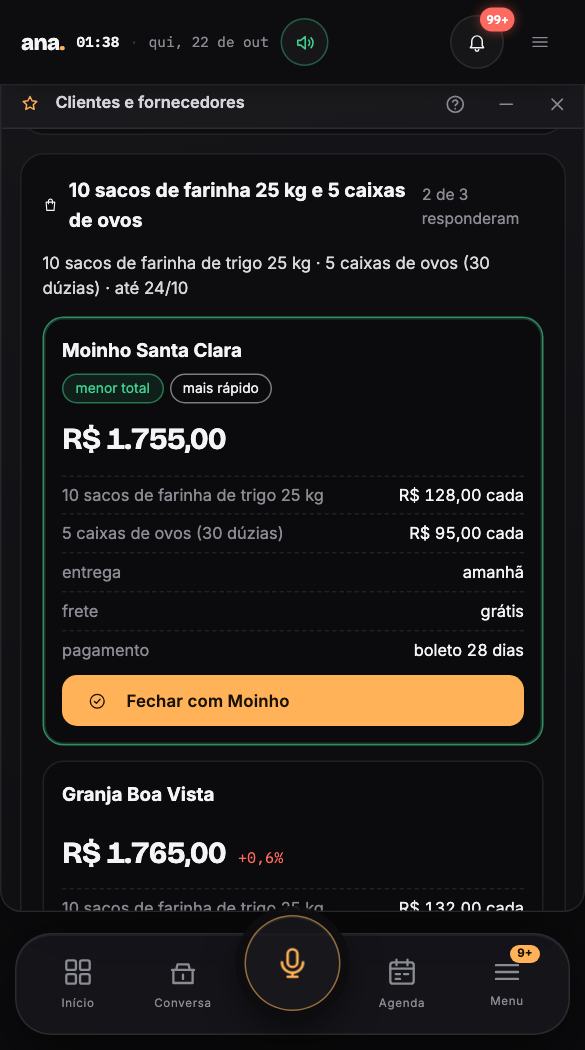
The small tools that make Ana worth opening every day: splitting the bill, drawing Secret Santa, setting up dinner, staying on your case. You say one sentence; she does the math, sends it, chases whoever is missing and checks it off when the Pix lands. Whoever gets the link uses it without an account. And the same Ana runs the team's shifts, the customer score and supplier quotes.
six tools, for real, in one minute61 s · no sound · Ana's thinking time is sped upsix tools, for real, in one minute59 s · no sound · Ana's thinking time is sped up
for you and your people12
the friend who gets the link sees Ana at work — no account needed
Every room of the house, by area. Tap a room and the guide below opens on it — in English: a real task in three taps, the screen piece by piece, what she does on her own and what you can say by voice. The screenshots are from the Portuguese demo house; the product itself is fully in English when you switch the language.
the day 10
whatever comes in — audio, photo, e-mail, message — becomes a note in the right place, and the whole day fits on one screen.
each company with its file, the pulse of its systems, the people in it, proposals the client approves on the phone and the marketing — artwork, paused ad and video.
Walk through the house. The guide teaches every screen.
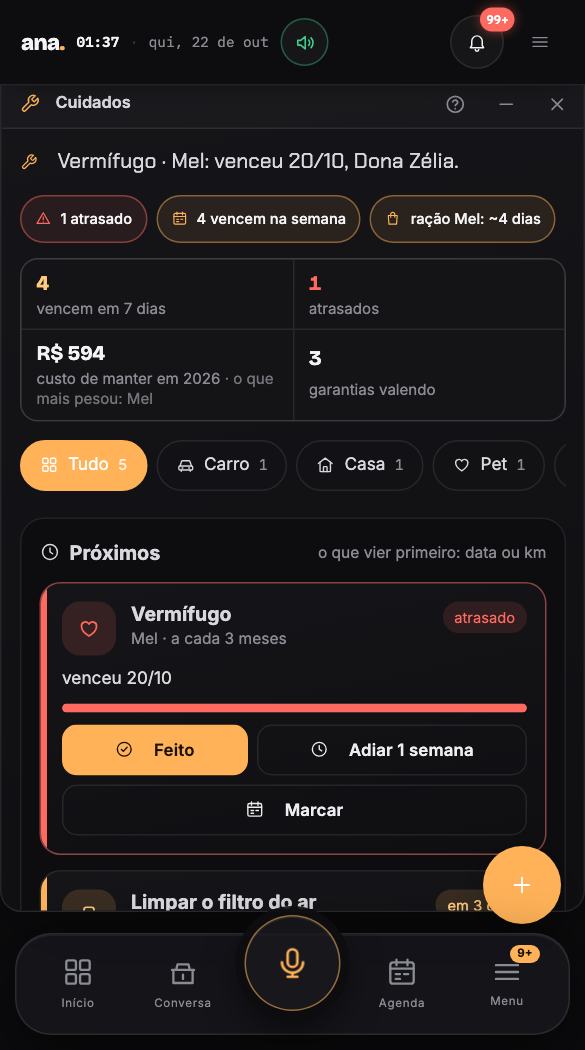
No mock-ups: these are screenshots of the Padaria do Vale demo house — invented data, real system, in Portuguese. Next to each one, in English: a real task in three taps, the screen piece by piece, what she does on her own, what you can ask by voice and the questions beginners ask. Where there's a phone screenshot, one tap flips the screen.
the day · the first screen that opens
Home
the day · 1 of 90 · 1/116
padaria-do-vale.ana.show
← → switch screens · tap the screenshot to flip it · hover a step to see where it is · Esc goes back
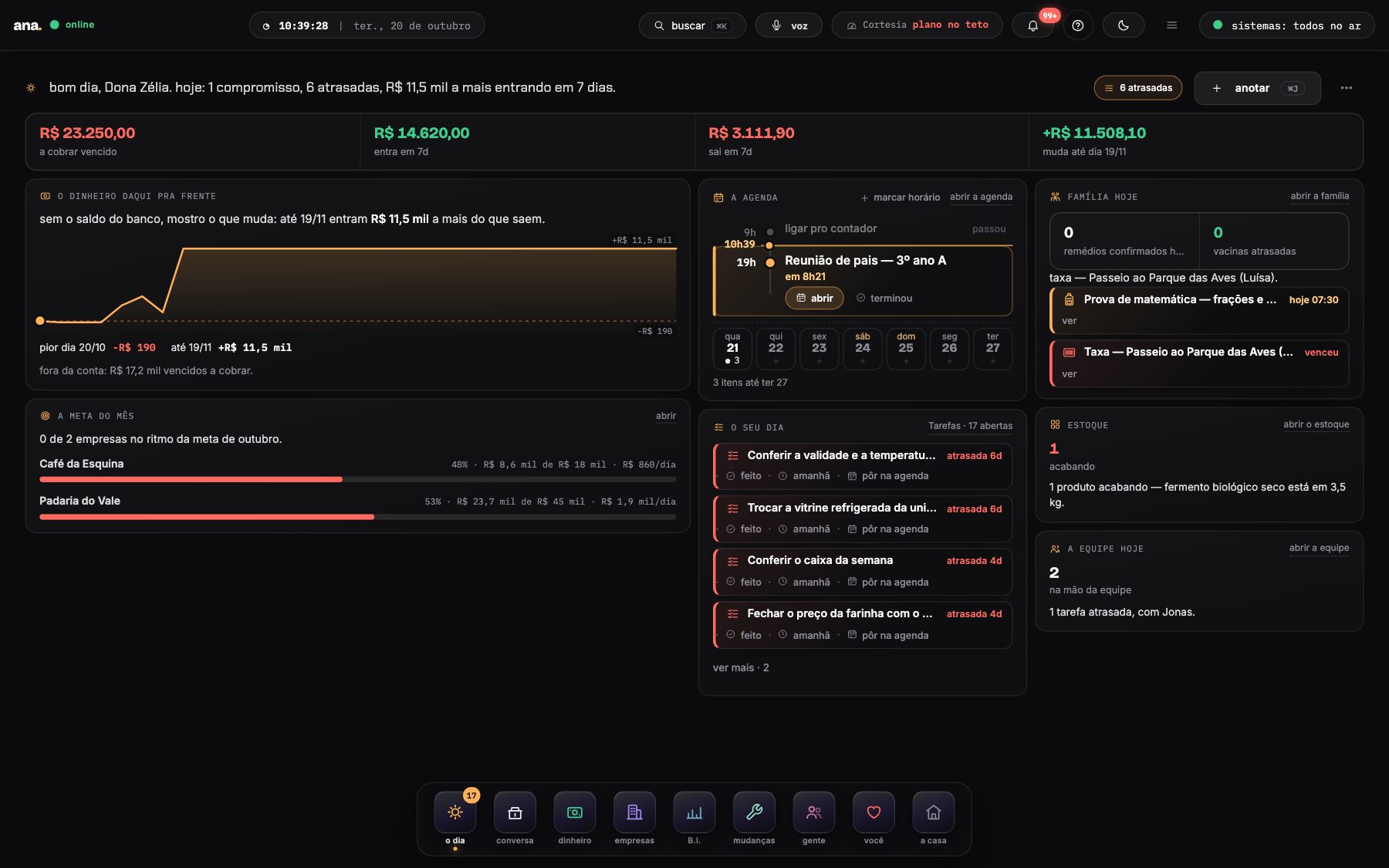
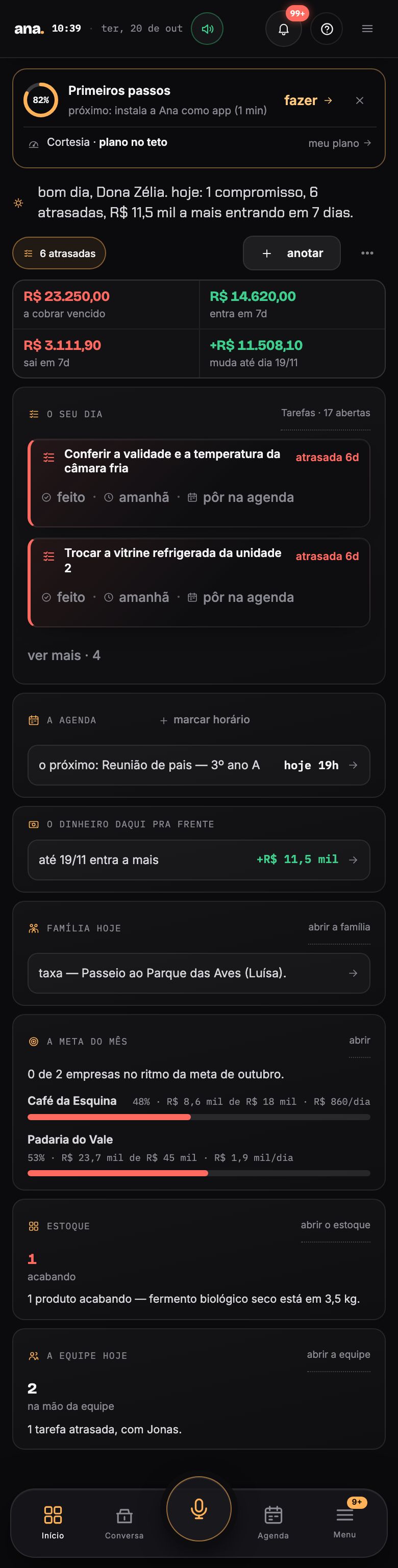
a.Home is your day on a single screen: today's cash, what's due, today's calendar with the next appointment highlighted, who's waiting on you and what your systems did since yesterday. I open with a sentence saying what weighs most — and each card already has the next step filled in, so you can decide without searching.
in practice
Collect from Hotel Beira-Rio for the overdue bill without leaving Home
With its own chip, I send the PIX link on WhatsApp and settle it when it lands; without one, I generate the link and leave the message ready for you to send.
the screen, piece by piece
It's the summary of the day in my voice: how many urgent things, how much comes in over the next 7 days, what's overdue. The chips beside it open straight onto what weighs most — “2 overdue bills to collect”, for example, takes you to the exact list.
The first is “overdue to collect” — or “in cash”, when the bank is connected. Then: what comes in over 7 days, what goes out over 7 days and where the cash stands 30 days from now. Each number opens Money on that slice. If one of them shows “—”, it's because I couldn't read it right now — I never paint a zero in place of data.
The strip with the verbs — book a table, flight, hotel, pay, collect, book a time, remind me, quote — opens the sentence already put together. You fill in the fields by tapping and I go after it: I send messages, search, collect and tell you the result.
The curve shows the balance day by day with what's due. If the cash doesn't last the month, I tell you the worst day; if there's overdue money to collect outside the count, I show how much it would change the end of the month. When the curve is flat, only the numbers appear — a straight chart teaches nothing.
“The calendar” is the day as a timeline: the time of each appointment, what has passed faded out, the next one highlighted with the right action — join the room when there's a video room, open when there isn't — and a now marker that moves on its own. Below, the strip of the next 7 days: each day shows how many meetings, appointments, reminders and deadlines it has; tapping a day opens what's scheduled on it (Esc closes), and tapping an empty day books a time on that day. “Open” takes you straight to the appointment in Calendar, highlighted. “Book a time”, at the top of the card, opens Chat with the sentence ready. On the phone you get the next appointment and “see the day” shows the rest. If I couldn't read the calendar, I say so — I never show “nothing scheduled” in its place.
In “this week's bills” each overdue bill comes with collect · view; in “your day”, each task with done · tomorrow · put on calendar; in “what I would do”, each piece of advice with do it · done · no (on the desktop it's folded behind “see the advice”). One tap settles it — the screen doesn't ask twice.
The systems that sold during the week get a line with today's number, the 7-day number and the sparkline; the ones that didn't sell stay as pills, with the live light. Tapping a company opens its file.
The note button (or ⌘J) opens a line: whatever you type becomes a task, with the deadline attached — “call the accountant @tomorrow”. To speak instead of typing, use the voice pill or Chat.
The dock at the bottom is the map of the house: the day, chat, money, companies, B.I., changes, people, you and the house. Hover and the group opens as a tree; a tap takes you to the screen.
words of the house
field
the dashed or [bracketed] part of the sentence: tap it and the right choice opens (date, amount, person)
sentence
how you create anything here: one line with fields to tap, instead of a form
chip
the pill next to my line: a shortcut to what needs you now
sparkline
the tiny line chart next to the number: the shape of the last few days
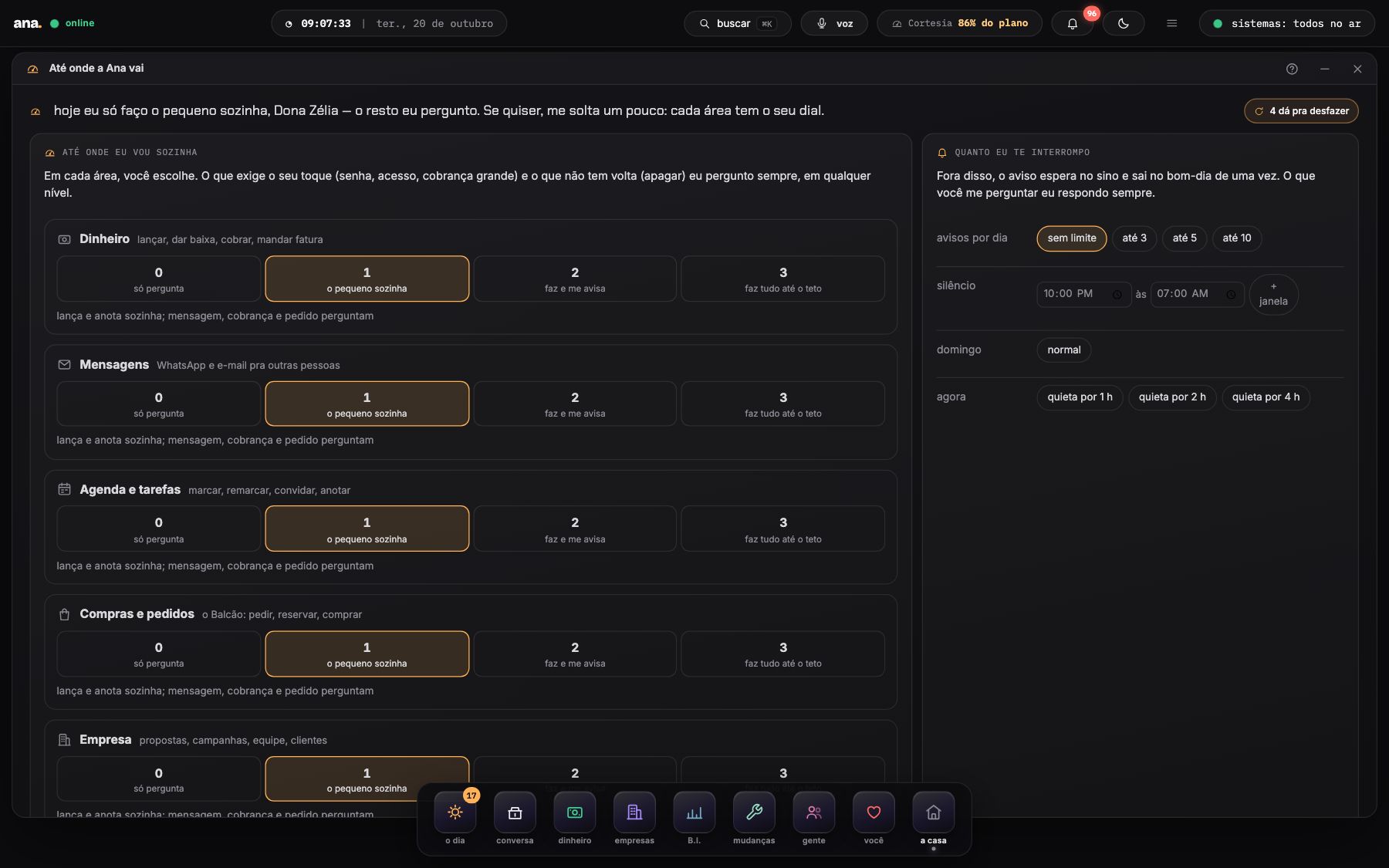
In each area — money, messages, calendar, purchases, company — a dial from 0 to 3: only asks, small things on her own, does it and tells you, does everything up to a daily cap. Everything she did sits in What Ana did, with the why in one line and an undo in one tap. “Interrupt me at most 3 times a day”, quiet at night, an incognito chat — and “what do you know about me?”, with a forget button on every line.
Ana Coach
She knows what you like. And looks after you.
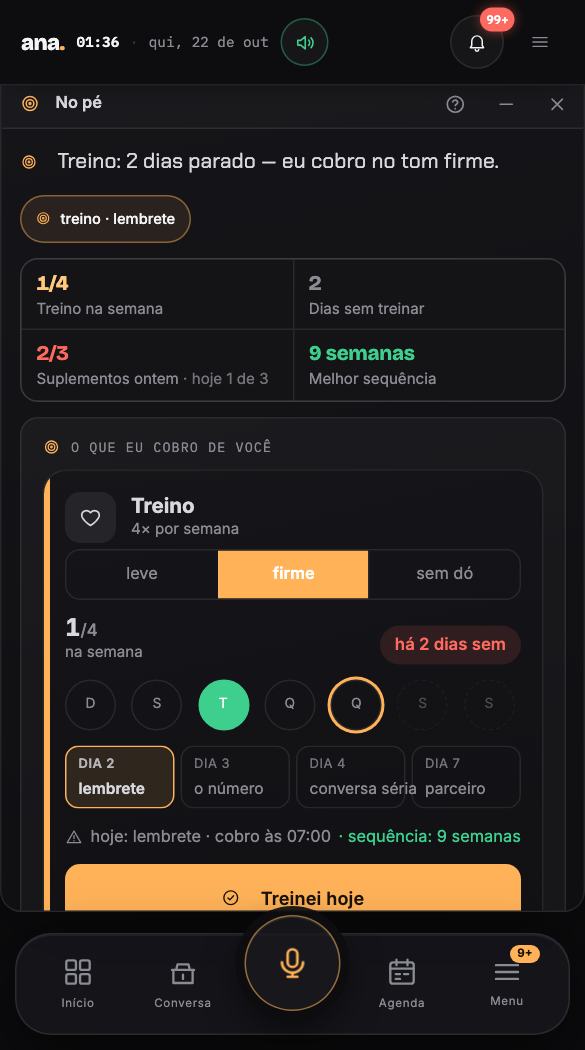
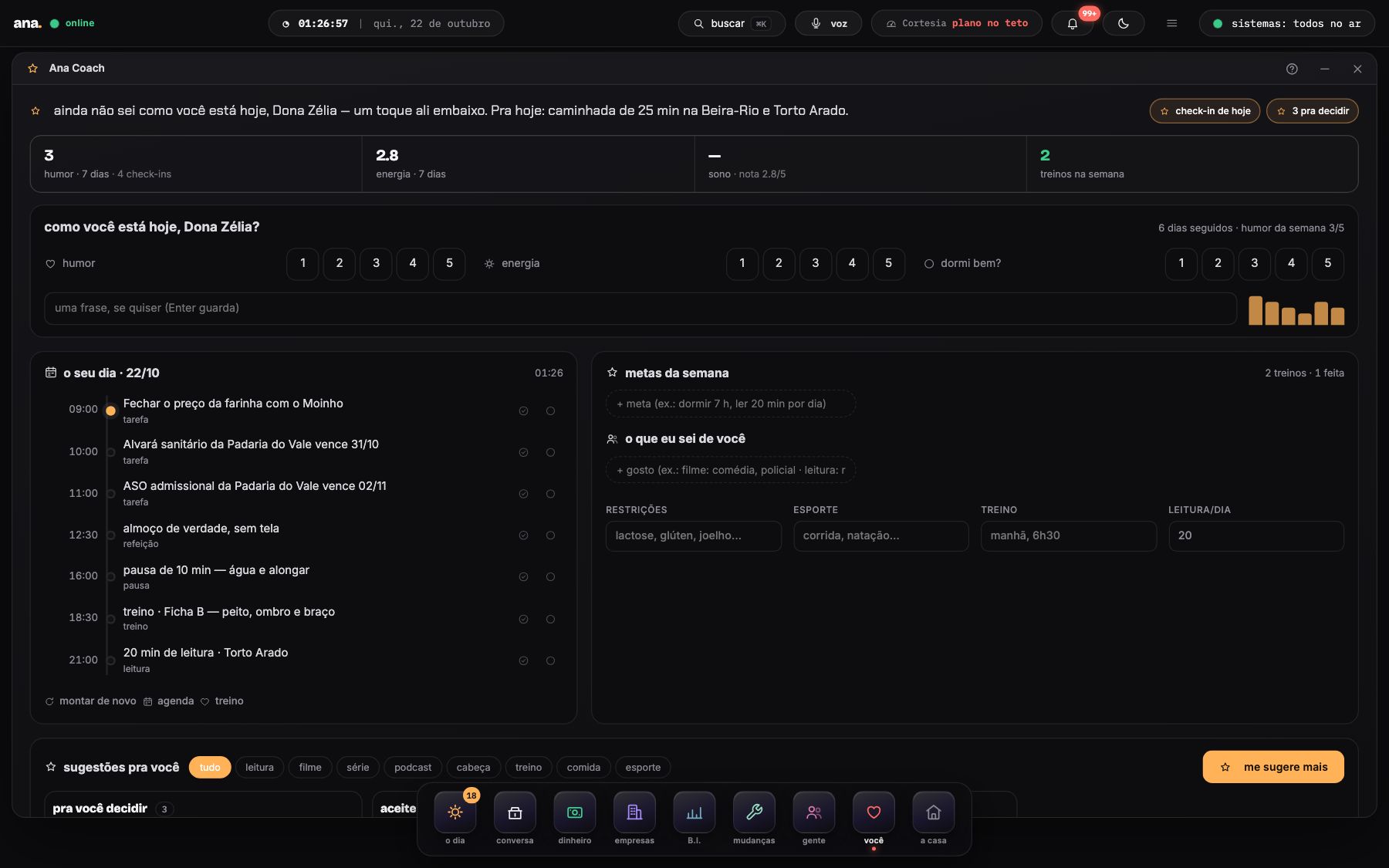
How you're doing today, in one tap. Your day in blocks. Three suggestions at a time — reading, film, podcast, mind, training, food, sport — with the why, from your taste. On Sunday evening the week arrives on WhatsApp with three ideas for the next one.
one-tap check-inmood, energy and sleep from 1 to 5; the briefing reacts to a heavy day
suggestions with the whydrag to “accepted” and it enters your day; “done” teaches the next one
the day in blocksthe right time for each thing — and “suggest more” always at hand
Ana Coach, in 30 sno sound
padaria-do-vale.ana.show/coach
How far Ana goes
Five dials. Undo on everything.
Passwords, access and anything irreversible she always asks about, at any level. What she does on her own is logged with the reason and can be undone — a booking, a task, an appointment, a settlement.
the autonomy dialfive areas, four levels — change it by talking: “you can book expenses without asking”
why and undoeach action with your words in quotes; one tap and it's back
attention budgetalerts per day and quiet windows; what she holds comes in the morning briefing
You're in control, in 30 sno sound
padaria-do-vale.ana.show/conta/controles
you say how far. I go that far.— Ana
works with what you already use
She gets into your accounts. You don't get into any new one.
iPhone, Apple Watch, WhatsApp, e-mail, banks, the card machine, Meta's ad account and your own systems: each one connects with a step-by-step and a test on the spot. Connected, the information comes on its own — and she tells you what she did.
devicesin your pocket and on your wrist, no typing
iPhoneinstalls as an app, Face ID, push alerts; shortcuts: Apple Pay becomes a spend, Siri calls Ana
Apple Watchheart, HRV, oxygen, sleep and steps arrive on their own every night through the Health shortcut
Androidinstallable app and alerts; WhatsApp and e-mail work the same
accountsyour usual accounts, read by her
WhatsAppAna's single number (or your own chip): audio, photo, text — and the 7 am briefing
Gmail · iCloud · domínioas many mailboxes as you like, over IMAP; triaged and answered by her
Google Agenda · Outlook · Applebrings your calendars in and exports hers to the iPhone
iCloud (contatos)your whole phone book becomes Ana's address book
Grupo da escola (WhatsApp)with your own chip in the school group, the test, the trip and what to bring become reminders
moneywhat comes in and goes out, live
EfíPIX with automatic settlement, live balance and statement, recurring card
Open Finance (Nubank, PicPay, Inter, Itaú…)read-only balance and statement, with your consent
Mercado Pago (maquininha)the card-machine sale comes in every night, with the fee split out
Nota fiscal de serviço (emissor nacional)every service invoice stored with the bill, the account or the spend; with the company's certificate she issues it
systemsyour systems send the pulse
Os seus sistemasdirect link: pulse every 10 minutes, tickets, metrics — through the docs or the open contract
Sistemas sem ligação diretathe report the system already e-mails, a published spreadsheet or a read-only user — she reads it
GitHub · Vercelthe Terminal opens the PR; infra costs are read for real
public sourceslooked up by her, nothing to connect
Banco CentralINCC, IPCA, IGP-M and other indexes, fetched at every run of the recurring task
Calendário de vacinação (PNI)each child's vaccine card built by age, with the alert for each dose
IPVA e licenciamento por estadothe date comes from your state's calendar by the plate's last digit
CNPJ · dados públicos da Receitacompany registry checked when you add a company
marketingInstagram and each company's ad account
Instagrampublishes the approved artwork on each company's profile, on the cadence you approved
Meta · conta de anúncioshe builds the ad from the artwork and sends it to your Ads Manager, paused; reads spend, reach and clicks
enginethe brain behind it
Claude (Anthropic) · OpenAIthe brain and the voice: chat, transcription, image, research
connect once. then it's on me.— Ana
plans by moment of life
Start on WhatsApp. Grow to the whole company.
Each plan comes with the right rooms for your moment and the AI usage included in the month — past it, Ana doesn't stop: the extra is billed per million tokens, visible on the meter. Starts at R$ 49 a month, WhatsApp only. Yearly: 12 months for the price of 10. Prices in Brazilian reais.
to startthe entry
Ana on WhatsApp
R$ 49/month · yearly R$ 40.83/month
calendar, reminders, lists and the month's bills — all by message and audio; the app stays as a backup
Calendar and reminders on WhatsApp (text, audio or photo)
Shopping list and tasks with deadlines
Basic money: bills to pay and receive, due-date alerts
Morning briefing at 7 am
0.6M AI tokens included · extra R$ 49/M1 person with a key · no Coach
Referred someone who subscribed? You get a month of Ana — the link is in your house, under Refer a friend.
questions
What everyone asks before subscribing.
getting started and plans
PIX or card, monthly, at the plan's price — or yearly, 12 months for the price of 10. AI usage above what the plan includes is billed per million tokens at the end of the month (R$ 49 on personal plans, R$ 99 on company plans); Ana never stops. 5 days late, the house locks until it's settled — nothing is deleted.
In the chat, on WhatsApp and by e-mail (alo@ana.show). Ask her “how do I use the calendar?” and the guide opens right there.
WhatsApp and phone
Yes. In Settings you pick Portuguese or English and everything follows: the chat in the app and on WhatsApp, voice, buttons, the morning briefing, the menu and the screens. Names and amounts stay as they are (R$ stays R$).
One number for everything: send audio, photo or text and she transcribes, understands and notes it in the right room. At 7 am the morning briefing arrives. Want her to speak for your company? Turn on your own chip.
your data and control
As far as you let her. In “How far Ana goes” each area — money, messages, calendar, purchases, company — has a dial from 0 to 3: only asks, small things on her own (default), does it and tells you, does everything up to a daily cap. Passwords, access and anything irreversible she always asks. And everything she did is in “What Ana did”, with the why and an undo in one tap.
All of it is visible in “How far Ana goes”: the day memories, the chat history, the lessons you taught her, the Coach profile, linked banks, people and files — each line with a forget button. There's an incognito chat (nothing is kept for 30 min, 1 h or 3 h) and an attention budget: “interrupt me at most 3 times a day”, quiet at night and on Sundays. Nothing goes to third parties.
In your own house, with its own database, in Brazil. Each house is separate; you can export and delete everything from Settings → Your data.
family and you
The part of Ana that looks after you, not the company: how you're doing (one tap a day), your day in blocks, suggestions for reading, films, podcasts, mind, training, food and sport with the why — from your taste — and the week closed on Sunday on WhatsApp. Included in Personal, Family, Business, Team and Industry; R$ 39 on its own.